Wondering if there is a way to disable borders and/or shadows on transient child dialog windows?
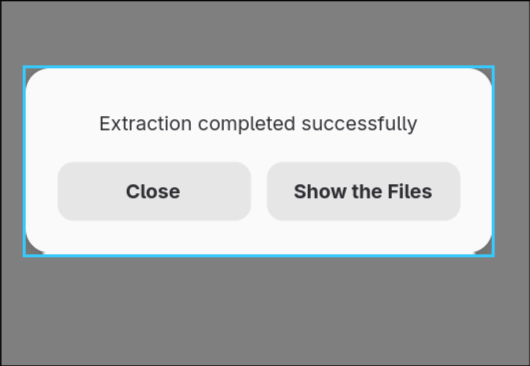
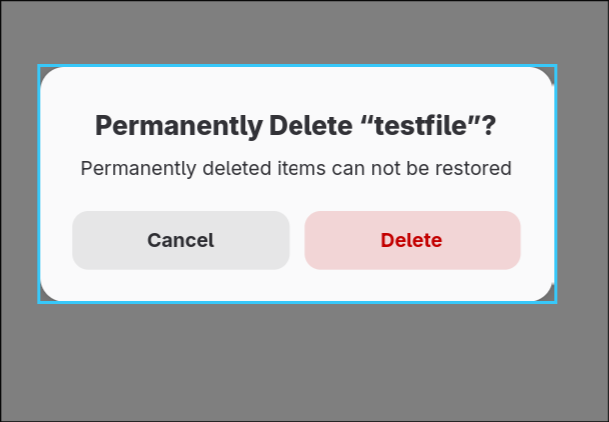
In the case of File Roller’s extraction dialog, there’s not much to match on:
Window 559b235a4f00 -> :
mapped: 1
hidden: 0
at: 994,722
size: 891,176
workspace: 1 (1)
floating: 1
pseudo: 0
monitor: 1
class: org.gnome.FileRoller
title:
initialClass: org.gnome.FileRoller
initialTitle:
pid: 10968
xwayland: 0
pinned: 0
fullscreen: 0
fullscreenClient: 0
grouped: 0
tags:
swallowing: 0
focusHistoryID: 3
inhibitingIdle: 0
xdgTag:
xdgDescription:
I want the border on the app itself, but pretty much any app that has these rounded dialogs I want to be able to disable borders.
Sway does not display a border (by default) in this case. I’m looking to replicate that behavior.